Groups
A group is who you share a calendar, recipes and a shopping list with — typically your household. Everyone in a group sees the same plan and can edit it.
Your own group
When you register, ES Food Plan creates a personal group for you automatically. If you never join anyone else’s, it’s just you.
Inviting someone
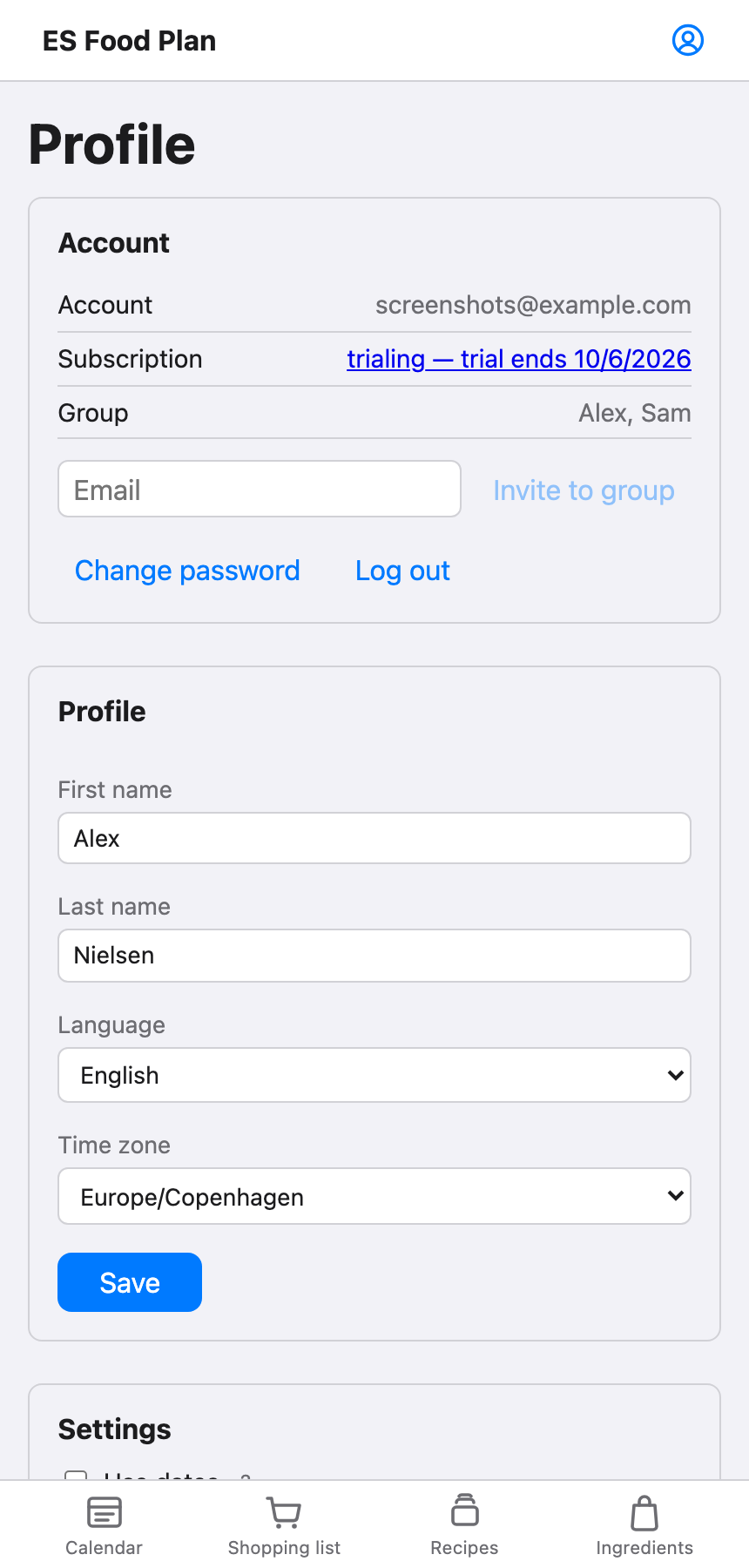
From your profile, enter the email address of the person you want to invite and send the invitation. They need an existing ES Food Plan account — invite them by the email they used to sign up.
They’ll see the invitation on their own profile page, with Accept or Decline. Accepting moves them into your group; their existing recipes and shopping list stay behind, tied to the group they’re leaving.
Leaving a group
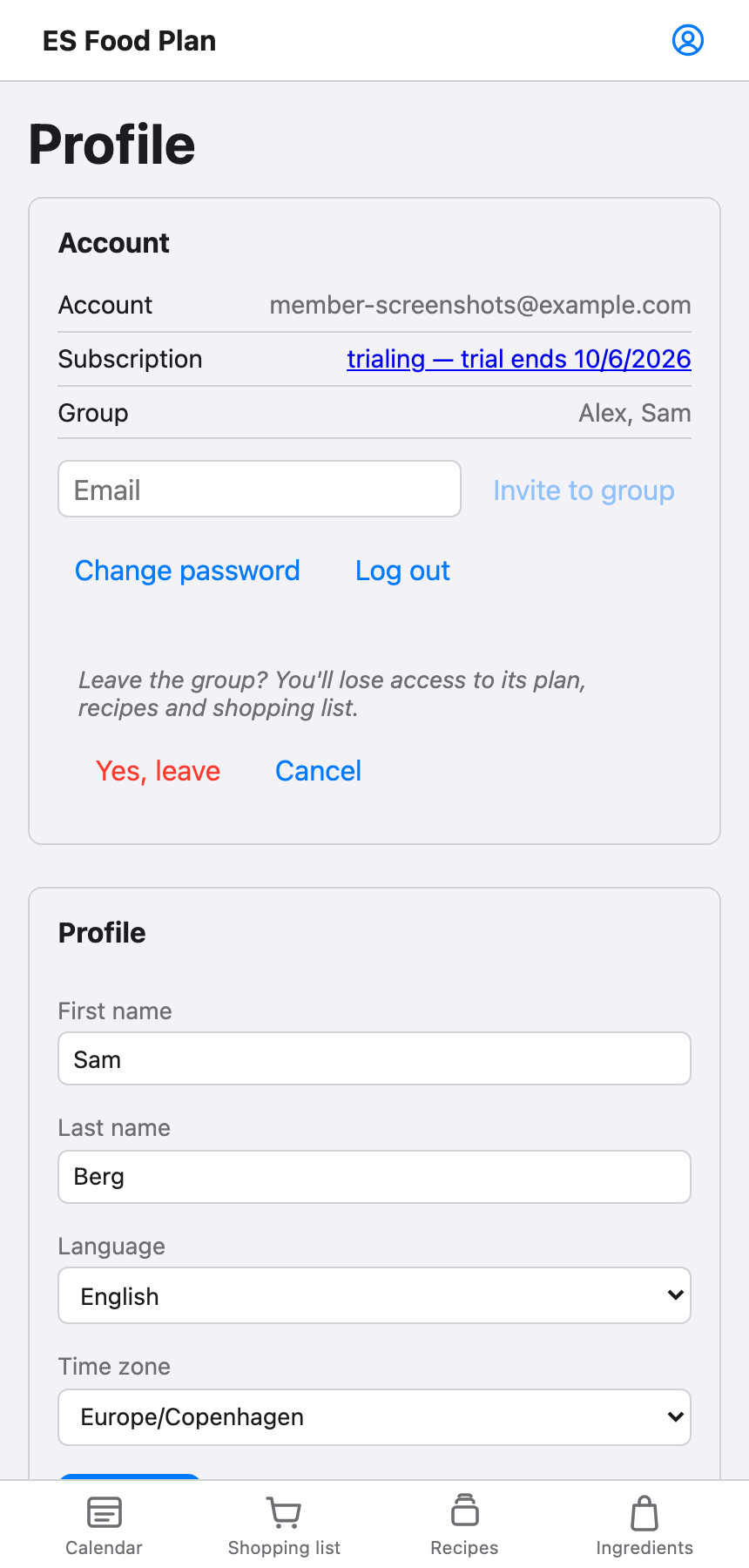
From your profile, choose Leave group. You’ll be asked to confirm — leaving means you lose access to that group’s plan, recipes and shopping list. Once you confirm, you’re moved back to your own personal group, where you can plan on your own or accept a different invitation.
The one exception is the group’s owner — the account it was originally created under. Since everyone else’s membership is defined relative to that group, the owner can’t leave it.