Profile and settings
Your profile page (tap your profile icon) brings together account, personal and group-wide settings in one place.
Account
Change your password, or manage group membership — see Groups for invitations and leaving a group.
Profile
Set your name, language and time zone. Language controls both the app’s interface language and which language ES Food Plan uses when talking to Stripe during checkout (see Billing).
Settings
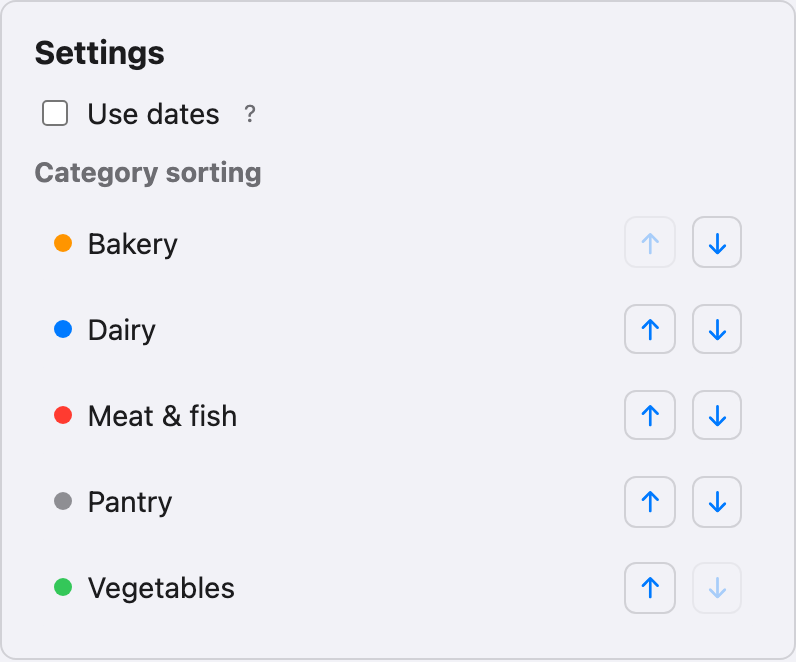
- Use dates — when enabled, manually added shopping list items get a real date you manage yourself. When disabled (the default), manual items just go on the list without a specific date and drop off automatically after about 4 weeks — see Shopping list.
- Category sorting — use the arrows to move categories into the order you want them to appear in on the shopping list, matching how you actually walk through a store. Each category’s color dot is shown next to its name.
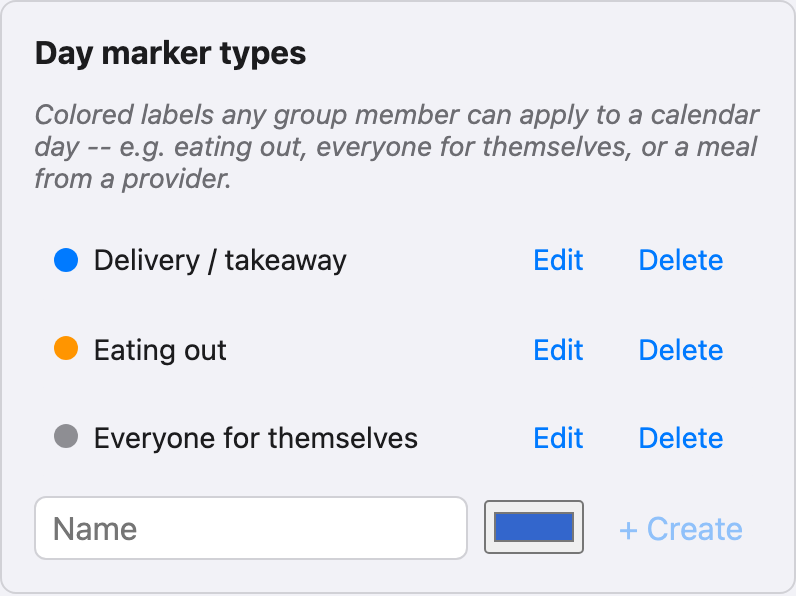
Day marker types
Only visible to the group’s owner (the account the group was originally created under). This is where you define the colored day markers available to everyone in the group — give each one a name and a color, and edit or remove them here at any time. Any group member can then apply these markers to individual calendar days.